
Incidents related to the DRP Module can be found in Mercury, in the Incident Management Panel (IMP).
How to log into the Incident Management Panel
First, you will need to log into Mercury at mercury.quointelligence.eu
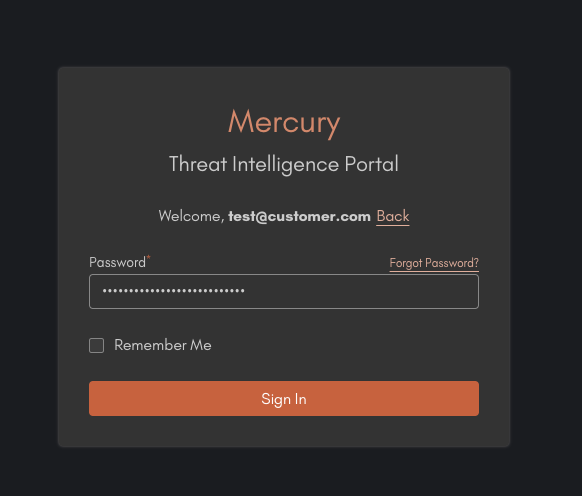
Once there, you will need to insert your email and password, then click on sign in.
Once signed in you will land in your main Mercury's Dashboard. Here you can access your incident management panel by clicking on the third icon on the left hand side of the screen.
You can easily recognize it by its shield-like shape!
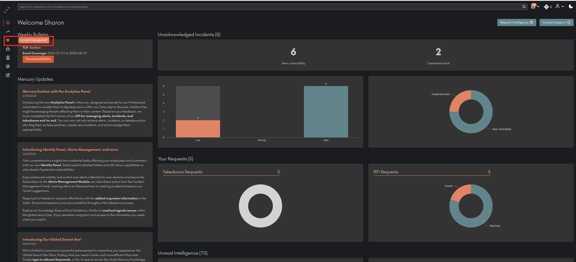
You are now logged into your Incident Management Panel! In this panel, you can find all the incidents that impacted your company. You can find more information on how to navigate the incident management panel in this dedicated section of the Wiki.